
Uplink Player for Apple TV
Your playlist,
your player
Uplink Player plays the IPTV playlist you already have. Connect an M3U playlist, an Xtream Codes account or a Stalker Portal, and it turns your source into a fast, properly designed TV experience.
No channels, no playlists, no media. The app ships empty — you supply your own source.
No Uplink account, no Uplink server. Details are sent only to the provider you chose.
Apple's privacy label reads Data Not Collected. We could not identify you if we tried.
What Uplink does
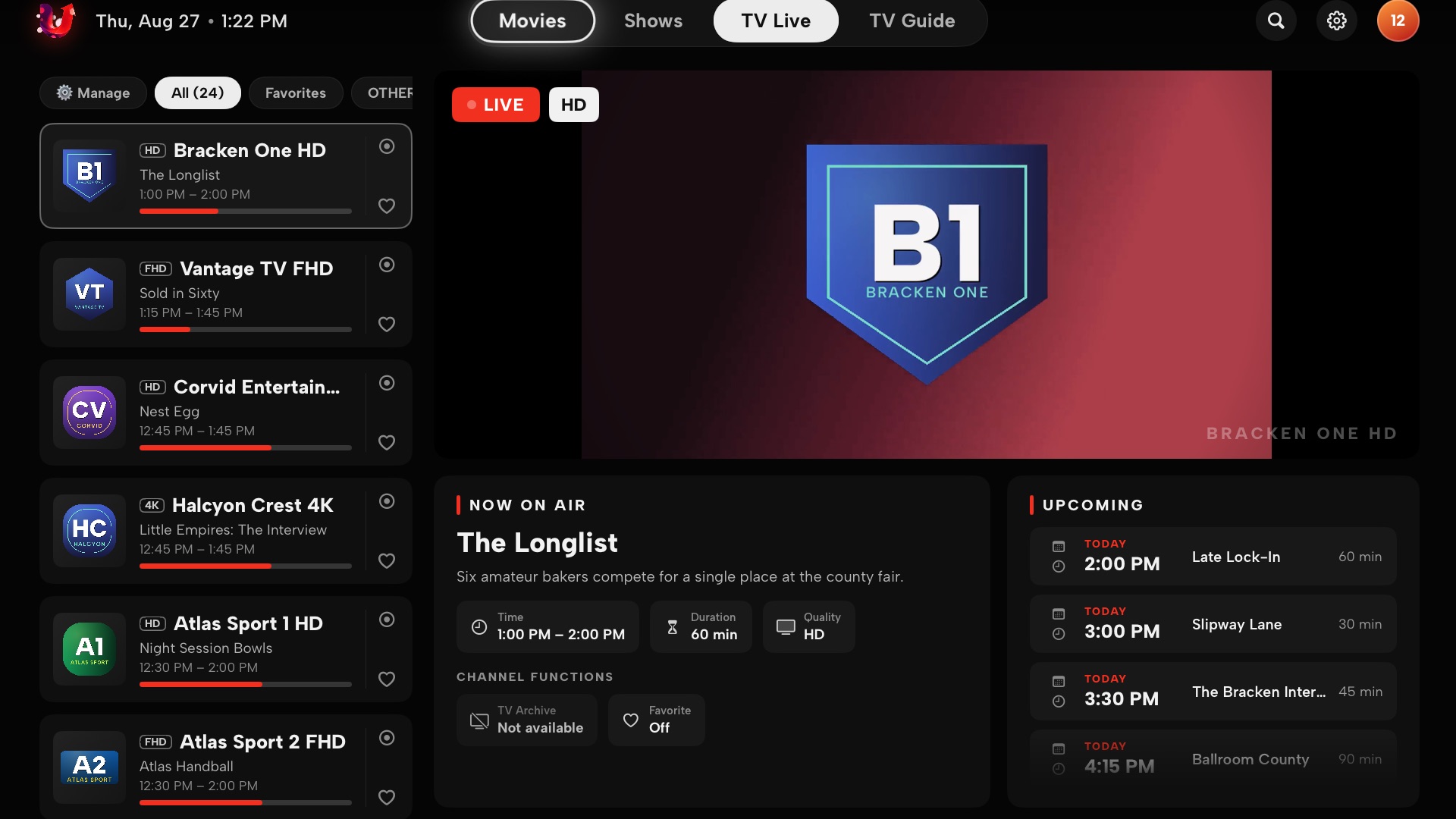
A programme grid with a live time marker, now and next per channel, and filters for favourites and categories.
Continue watching across films, seasons and episodes, with per-episode progress kept on device.
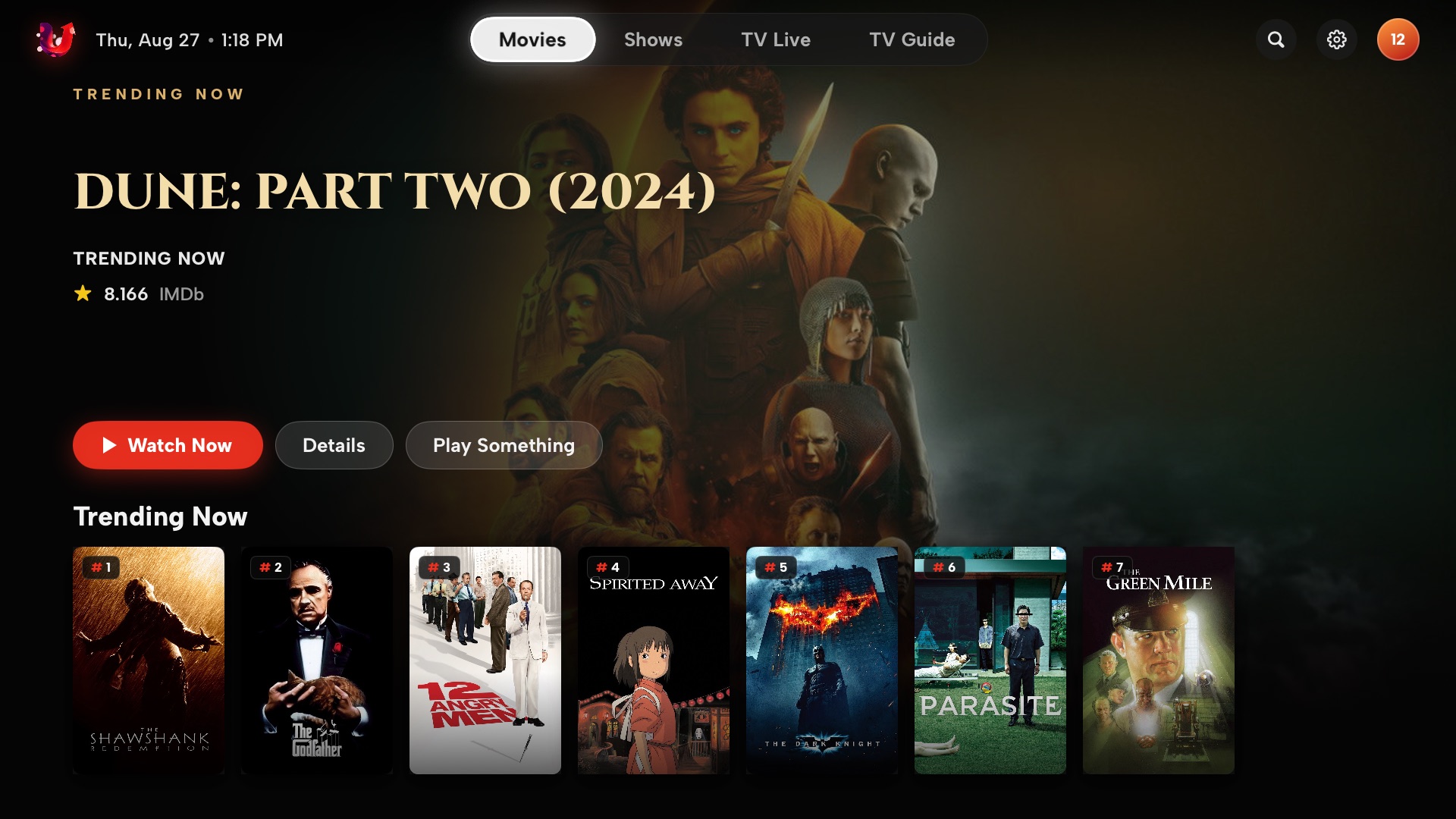
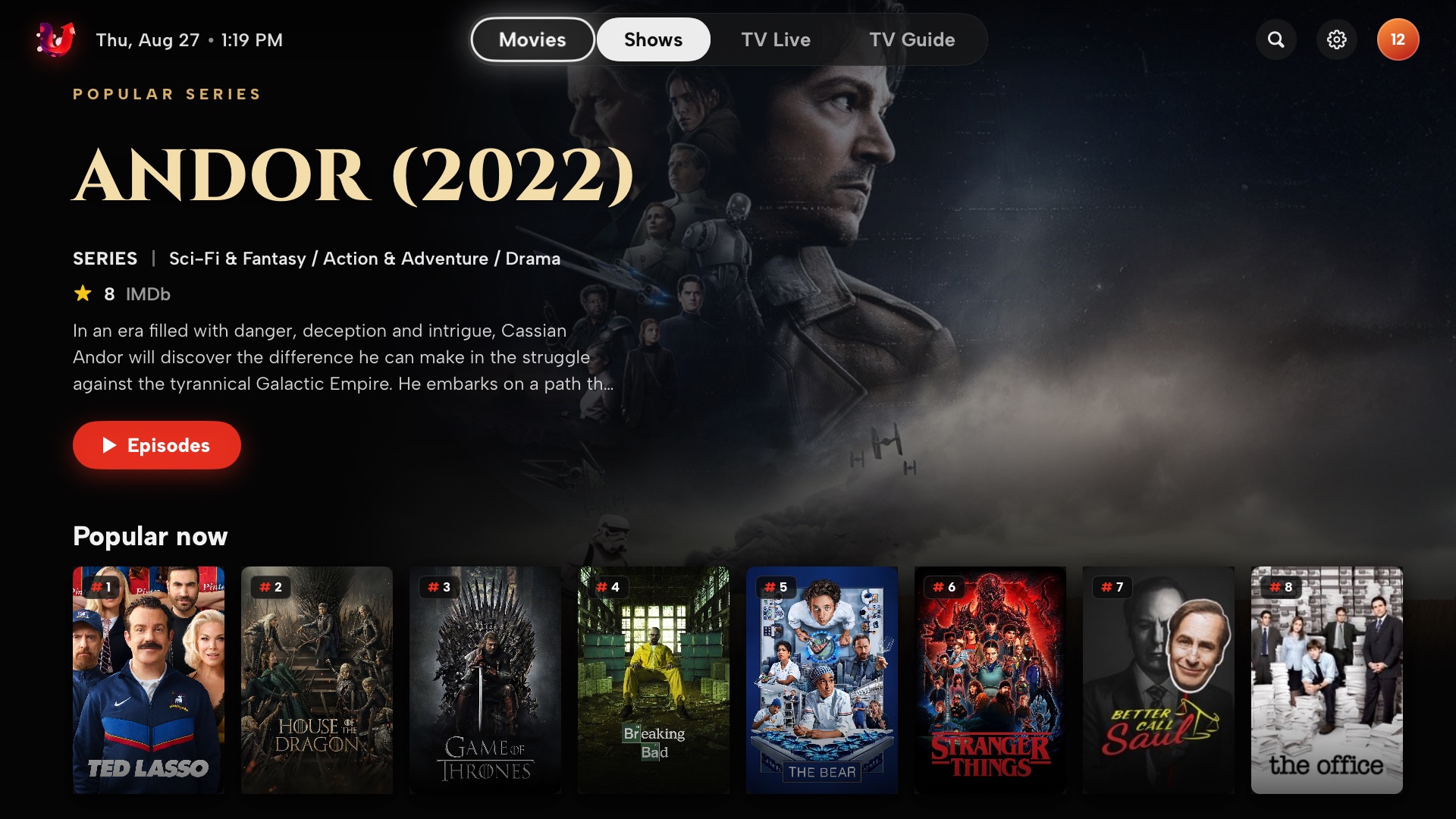
Posters, cast, genres and IMDb scores are matched to the titles already in your playlist.
The Apple player handles HLS and MP4; VLCKit covers MKV, MPEG-TS and the formats it does not. You can force VLC per install.
Switch audio and subtitle tracks mid-playback without leaving the picture.
Mark channels as favourites, hide categories you do not use, and filter by language.
Live TV with a real programme guide
Now and next for every channel, a full programme grid with a live time marker, catch-up where your source offers TV archive, and favourites you can set straight from the channel list.
- Apple player for HLS and MP4, VLC for MKV and MPEG-TS
- Force Always VLC per install when a provider misbehaves
- Favourite a channel from the list, hide categories, filter by language
Every screen
Artwork, ratings and programme data come from your own source. These are shot with a demo playlist.
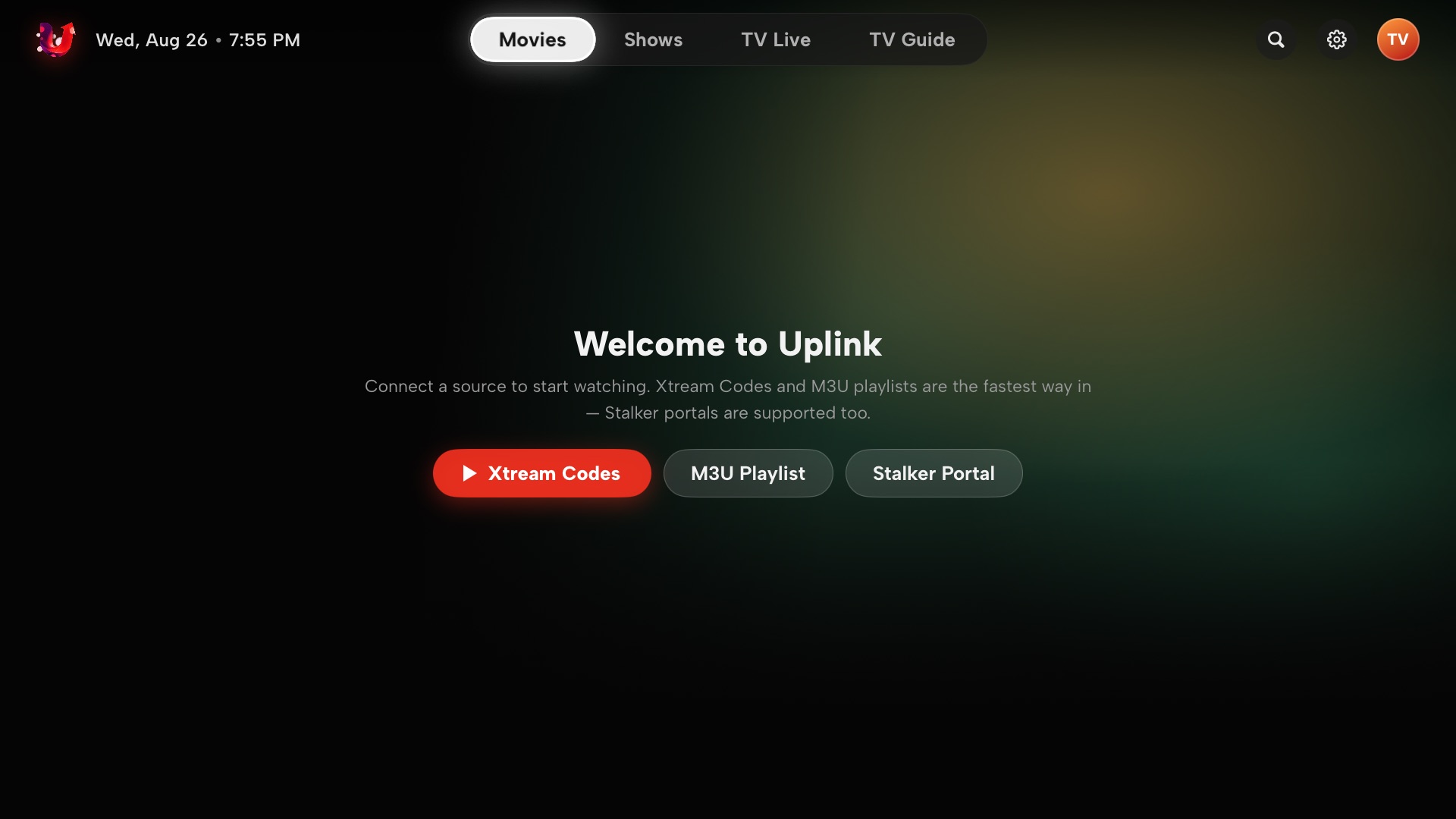
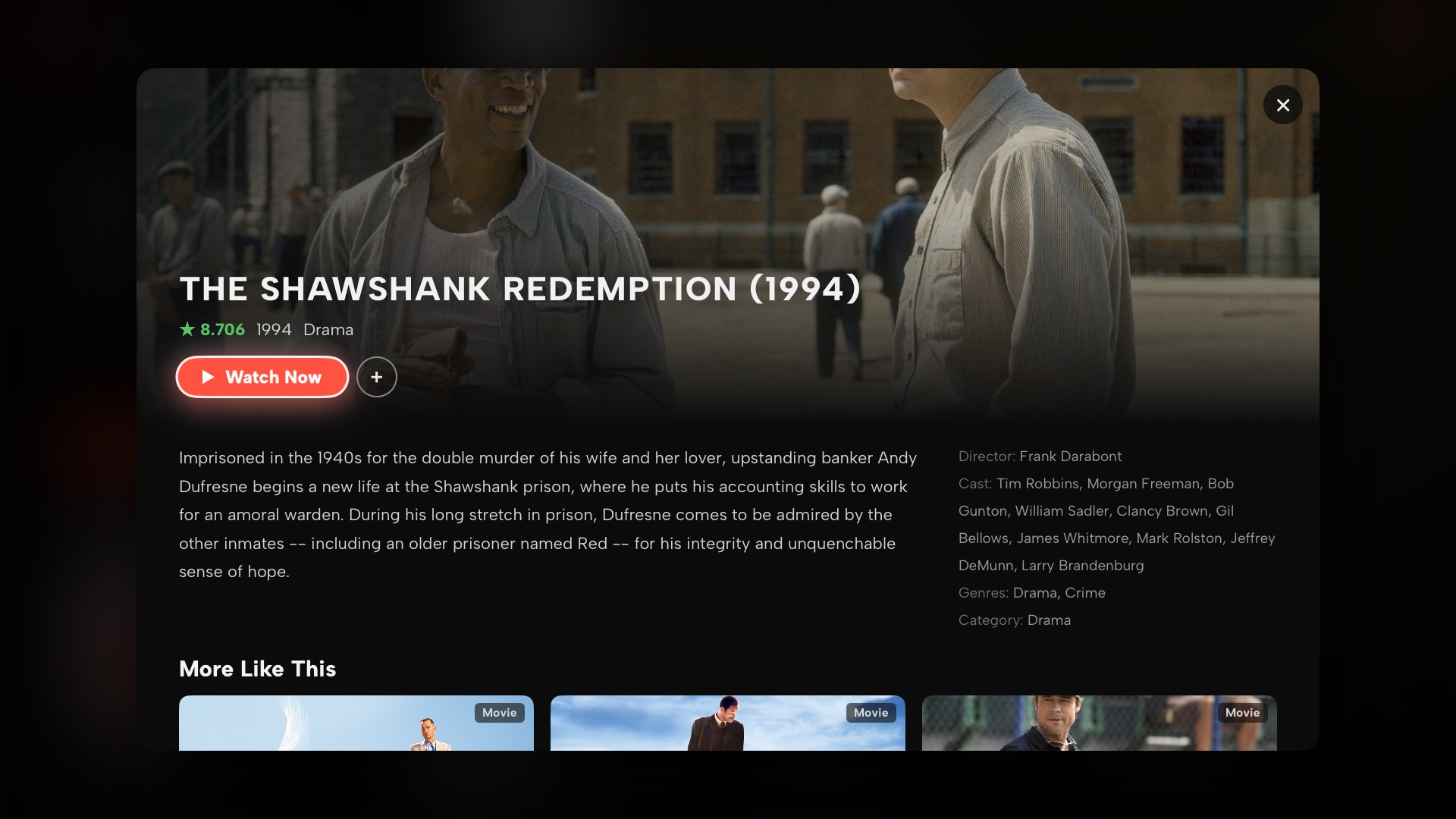
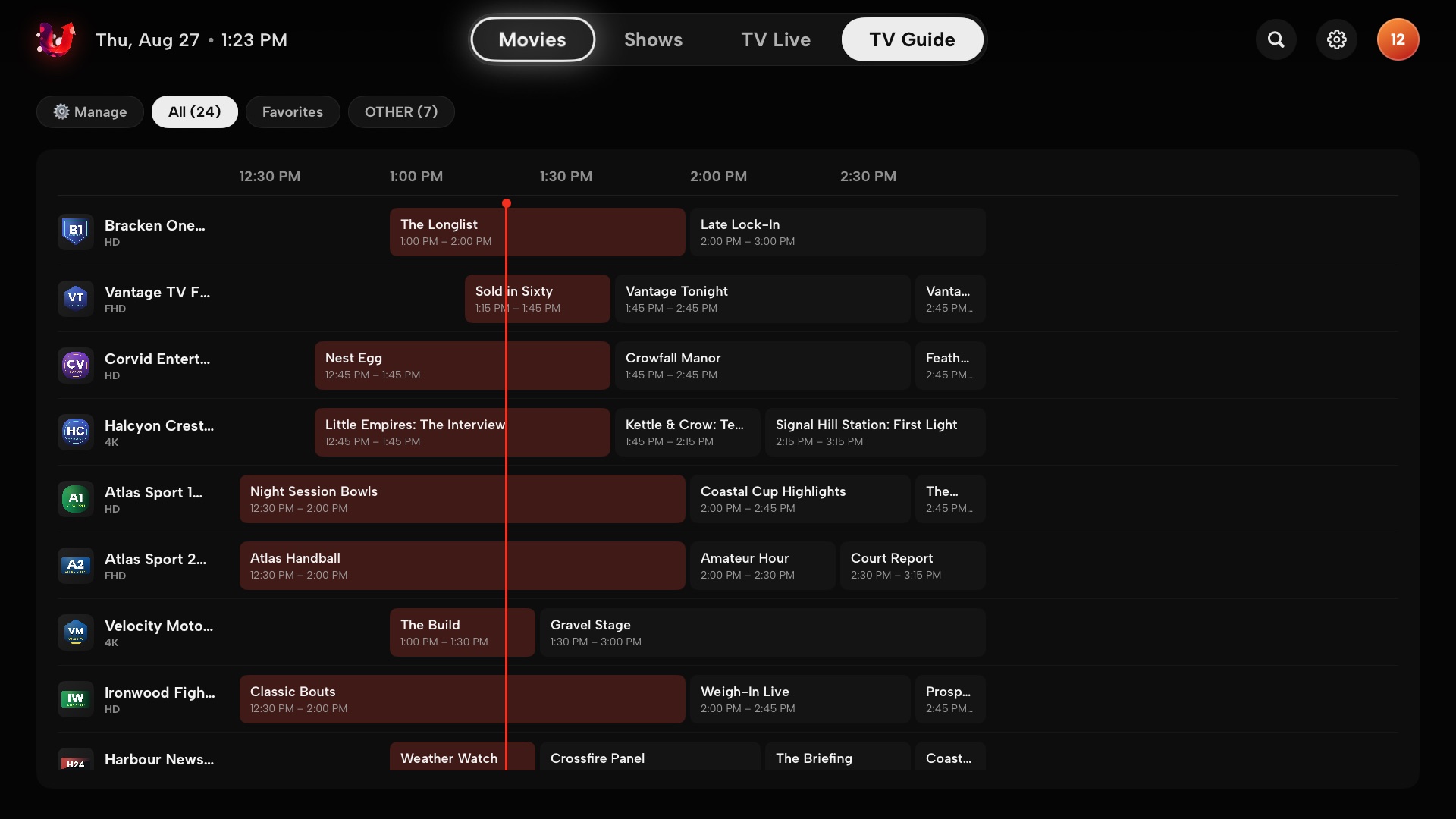
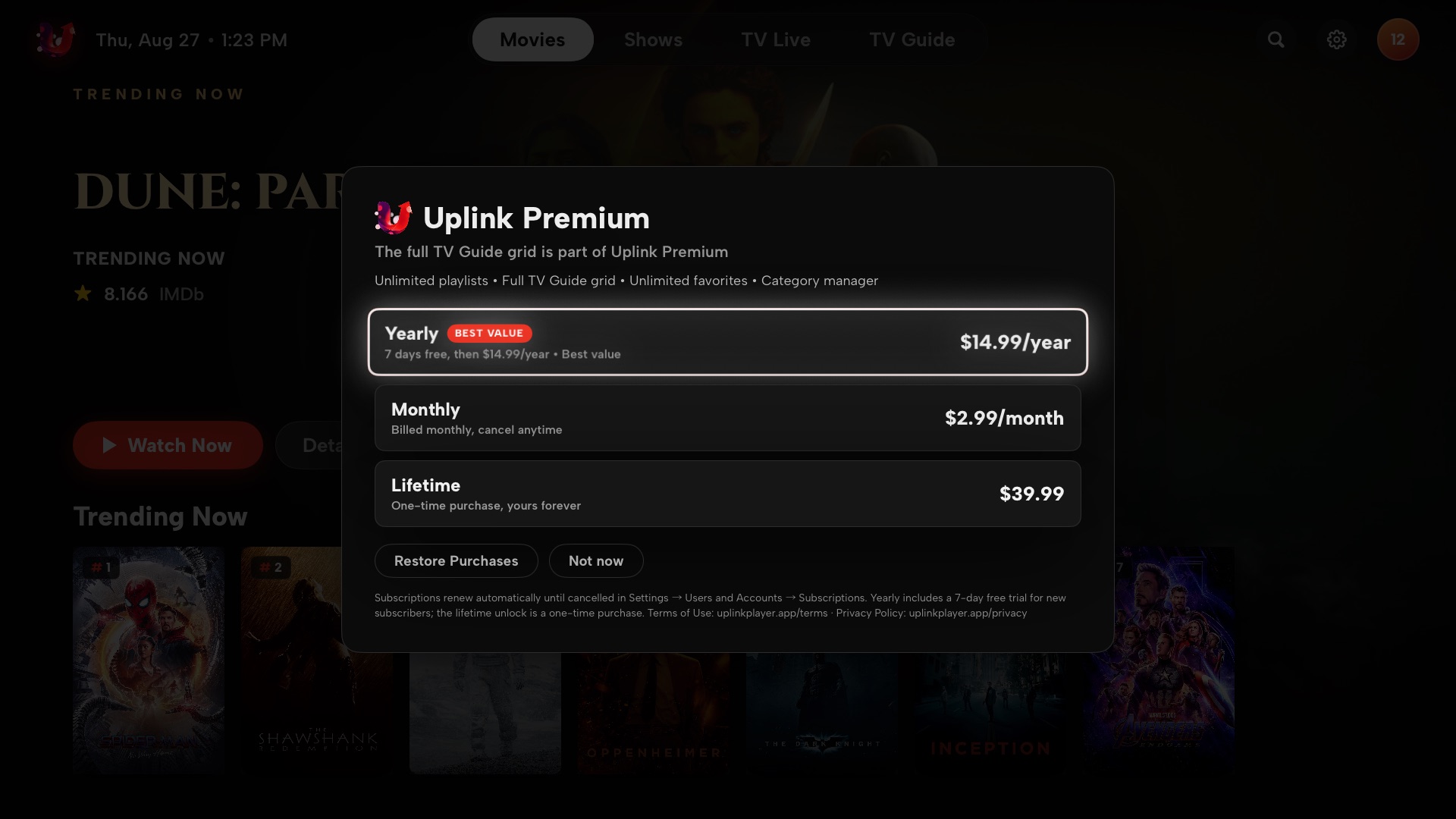
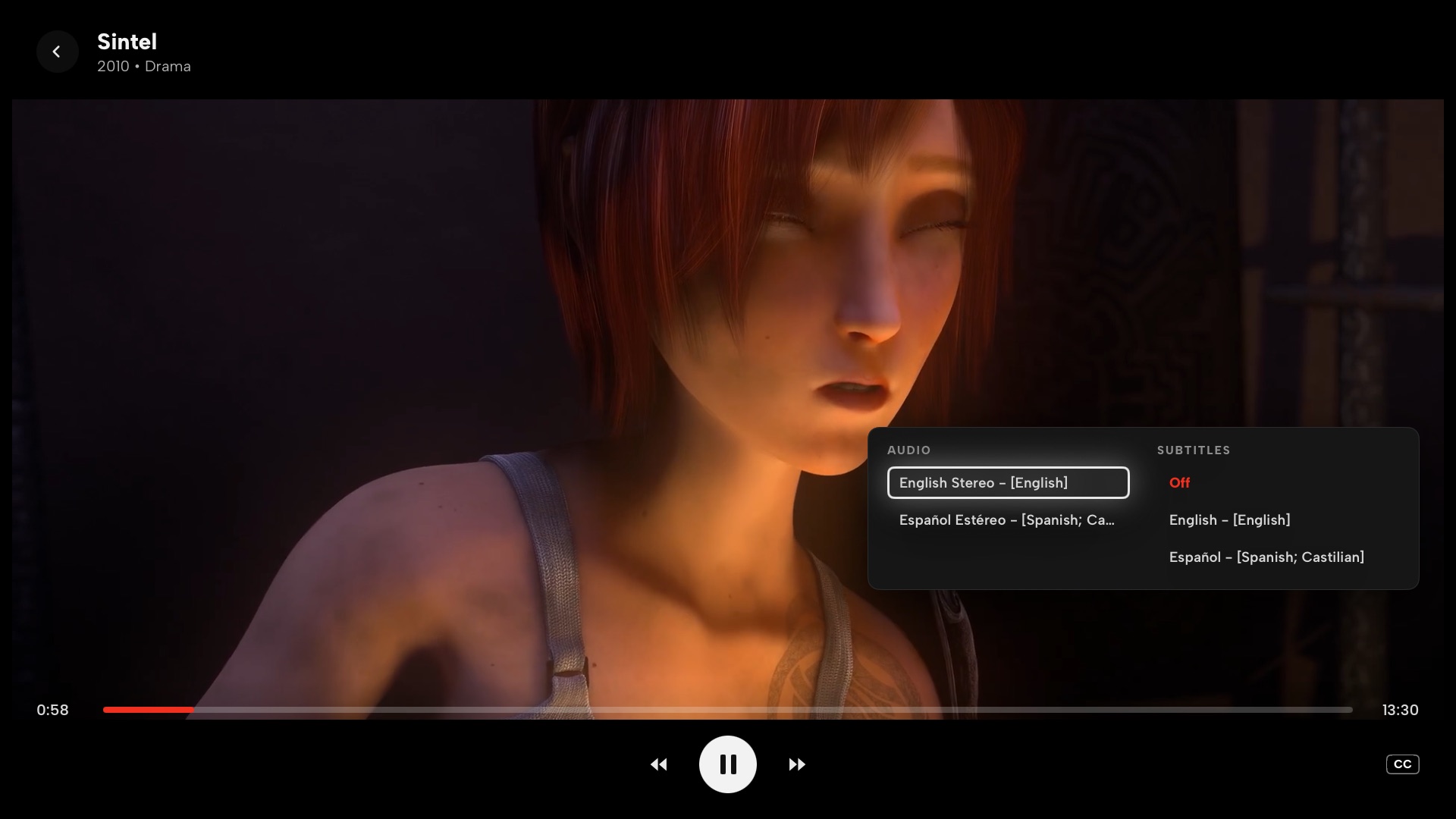
Connect the source you already have
A plain playlist URL or file, with EPG from an XMLTV URL if your provider gives you one.
https://example.tv/list.m3u8Server, username and password. Live, VOD and series arrive as proper catalogues with metadata.
http://line.example.tv:8080Portal URL and the MAC address registered with your provider. Nothing else to configure.
00:1A:79:XX:XX:XXHow your data is handled
Playlist URLs, usernames, passwords, MAC addresses, favourites and resume positions live on your Apple TV and nowhere else. Uplink talks directly to the provider you entered — nobody in between, and never through ProxyOmega infrastructure.
Common questions
Does Uplink come with channels?
No. Uplink is a player only. You bring your own playlist or provider account, and you are responsible for holding the rights to what you access through it.
My provider works elsewhere but not in Uplink
Check the server URL has no trailing slash and includes the port. For Stalker portals the MAC address must match the one registered with your provider. If a stream stutters or will not start, open Settings → Playback and set the engine to Always VLC.
A channel plays but has no picture, or no sound
Switch the playback engine as above. Uplink uses the Apple player for HLS and MP4 and VLC for MKV, MPEG-TS and anything else; forcing VLC resolves most provider-specific quirks.
I paid but Premium is not showing
Open Settings → Uplink Premium → Restore Purchases, signed in with the same Apple Account you bought it on. Subscriptions are managed in Settings → Users and Accounts → your account → Subscriptions on the Apple TV itself.
How do I cancel?
Settings → Users and Accounts → your account → Subscriptions → Uplink → Cancel. Billing is handled entirely by Apple; we never see your payment details.
Still stuck? Support · [email protected]

Get Uplink Player
Free with one playlist. On the App Store for Apple TV.
Download on the App Store